
Discover and Create Great Color Palettes with Adobe’s Kuler
by Bandicoot Marketing on | Posted in Articles | 4 comments
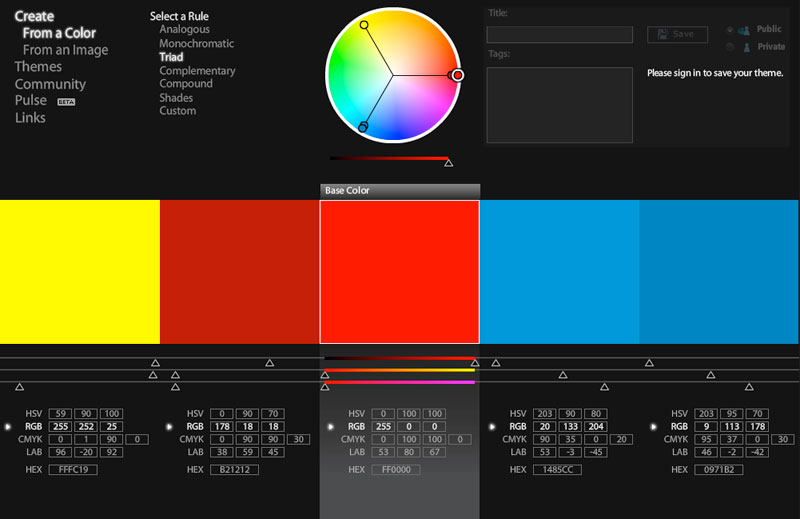 Whether you pronounce it “kuh-ler” or “koo-ler“, Adobe’s color palette creation tool Kuler is a must for any designer. You can choose from thousands of color themes or even start from scratch and create your own. Got a colorful image you love? Kuler allows you to upload it and select a group of colors based on the image’s “mood”. Once you find or create something you like, you can download the theme as an Adobe color palette or copy and paste the hex values to use however you choose.
If heading to the site is too much work for you, most of CS4 has a Kuler panel built right into the software. There is even an Adobe Air desktop app available and a Dashboard widget for those who work on a Mac.
4 comments for “Discover and Create Great Color Palettes with Adobe’s Kuler”