
8 jQuery Plugins to Improve the Way your Forms Look
by Bandicoot Marketing on | Posted in Articles | 6 comments
When it comes to forms, every browser displays inputs, select drop downs and buttons differently. You can style certain elements using CSS but things like radio buttons and checkboxes are determined by the browser. Luckily, there are some cool jQuery plugins available that help you add a little bit more style to your forms.
Here are a list of jQuery plugins that can help get your forms looking a bit more impressive:
jqTransform
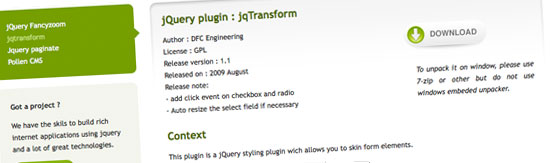
jqTransform allows you to skin form elements with color changes on both mouse rollover and mouse click event.
http://www.dfc-e.com/metiers/multimedia/opensource/jqtransform/
Example:
Niceforms

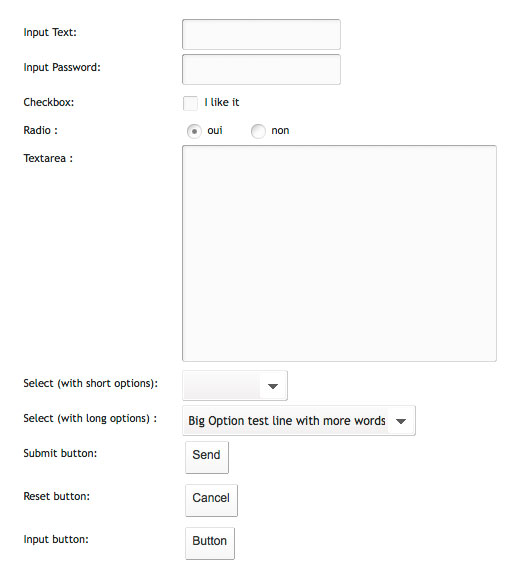
Niceforms is a script that will replace the most commonly used form elements with custom designed ones. You can either use the default theme that is provided or you can even develop your own look with minimal effort.
http://www.emblematiq.com/lab/niceforms/
Example:
Uniform
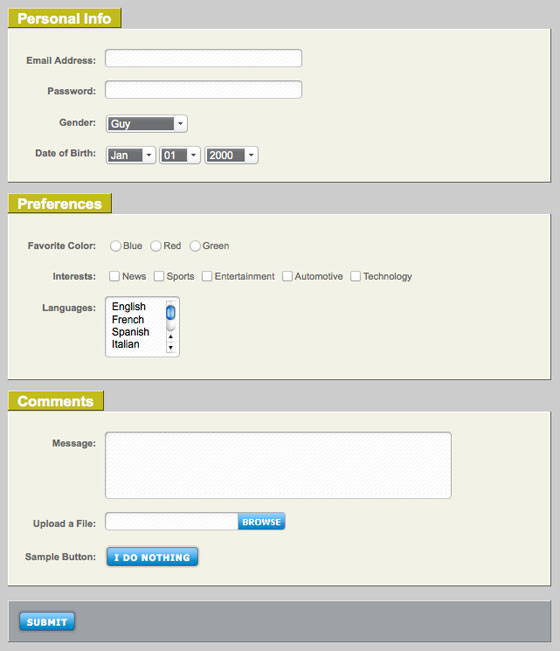
Uniform masks your standard form controls with custom themed controls. It works in sync with your real form elements to ensure accessibility and compatibility.
http://pixelmatrixdesign.com/uniform/
Example:
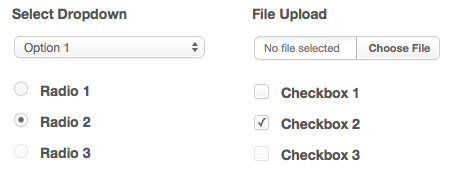
jNice
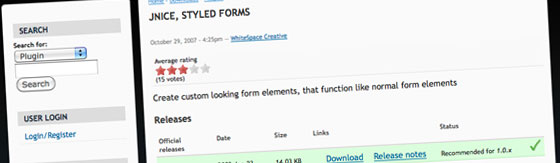
jNice helps you create custom looking form elements that function like normal form elements using jQuery and CSS.
http://plugins.jquery.com/project/jNice
Example:
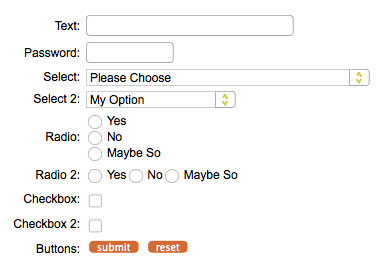
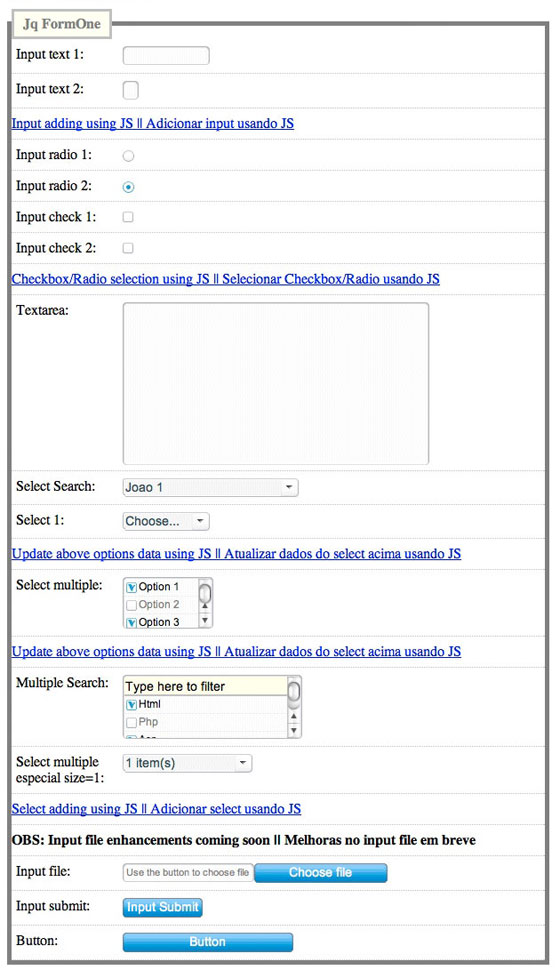
jQuery FormOne
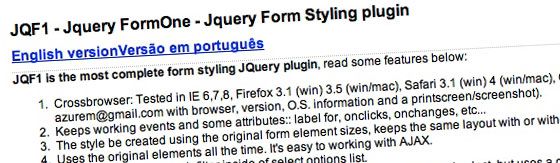
jQuery FormOne (aka JQF1) claims to be the most complete form styling plugin and it does seem to cover all the bases.
http://www.azurem.com/jqf1/
Example:
CRIR
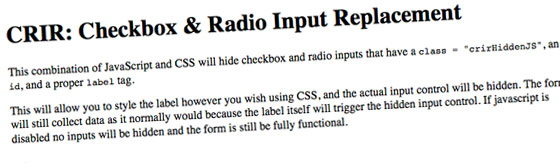
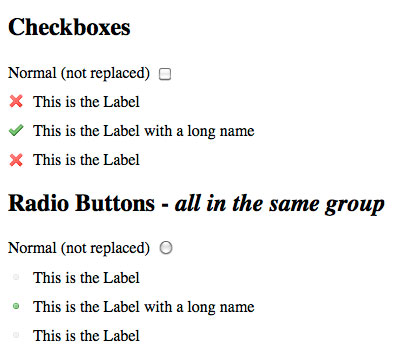
CRIR styles only radio buttons and checkboxes. It does a cool job of it but you will still need to use CSS to style other elements of your form.
http://www.chriserwin.com/scripts/crir/index.php
Example:
jQuery Checkbox
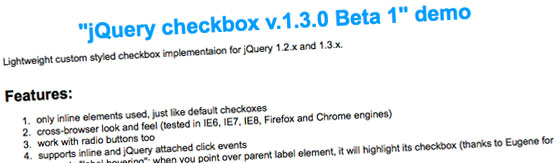
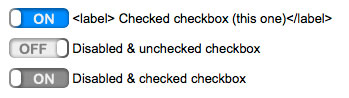
jQuery Checkbox was designed to replace the default checkboxes with super awesome switches. It also works with radio buttons.
http://widowmaker.kiev.ua/checkbox/
Example:
File Style
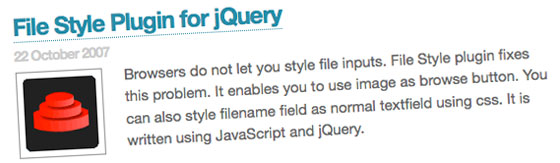
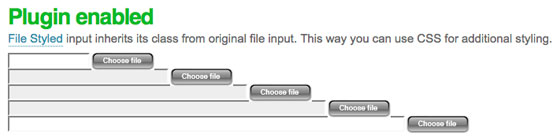
File Style allows you to choose an image to replace the default browse button when using a file input field.
http://www.appelsiini.net/projects/filestyle
Example:
6 comments for “8 jQuery Plugins to Improve the Way your Forms Look”