Feed Me, Seymour 1.2
by c.bavota | Posted in Downloads | 101 comments
Jun 19 2010
I have just updated Feed Me, Seymour for WordPress 3.0 and many of its new features. I have also cleaned up the code and added the Arturo Theme Engine v2.0 so that the admin interface works a whole lot better. Version 1.2 is currently only available on this site. Just click the download button below.
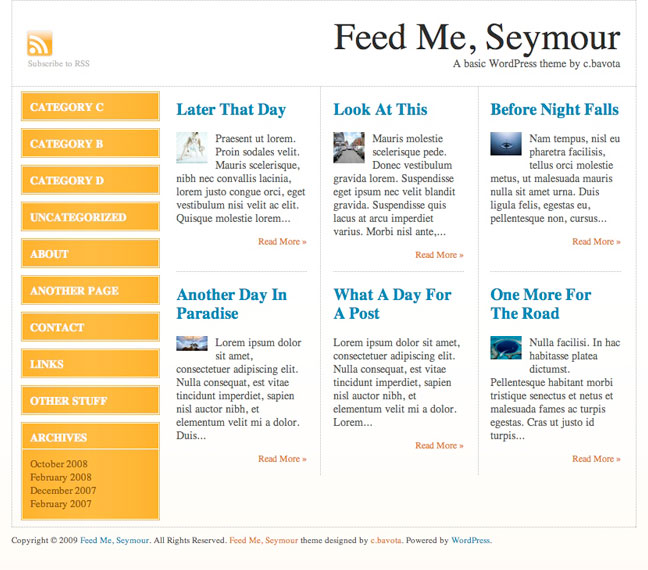
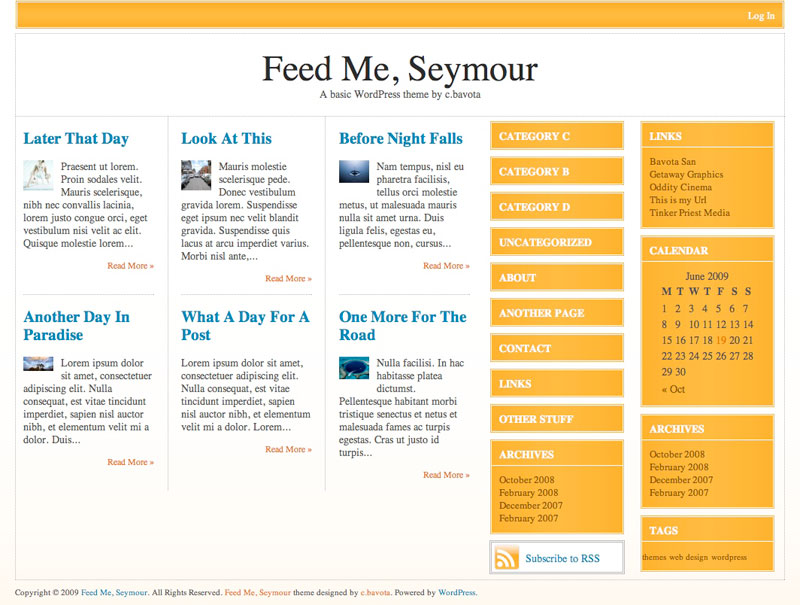
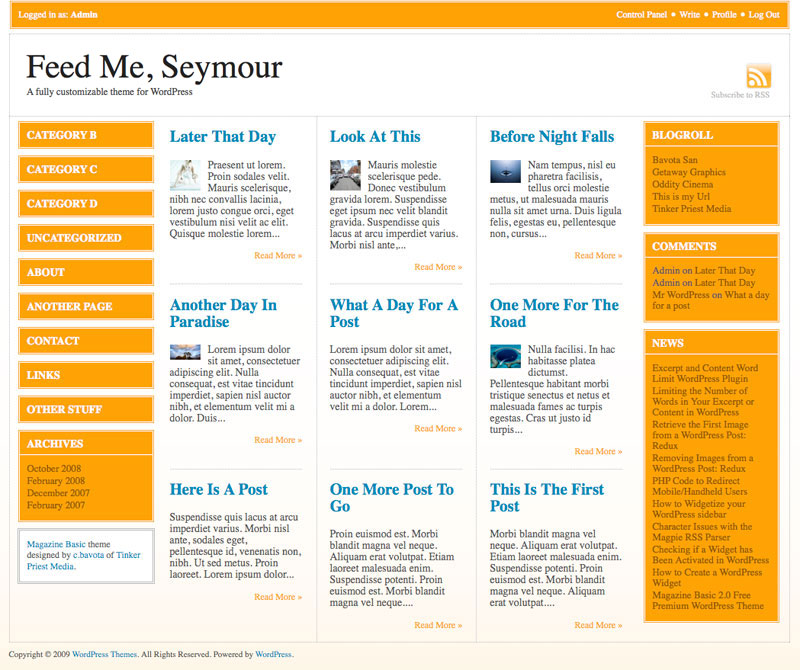
Here are some examples of different layout options.
For more info go to Themes by bavotasan.com.


Chris, this is a really great theme! I can’t wait to see your next one (seriously, where is it?)!
This is a great variation on a magazine theme. However I can’t get the “read more” links to go to the post. The “read more” just reopens the blogs front page. Am I missing something? I read your post on the more tag, kind of above my grasp. Does it apply to this theme?
Hey Eric,
Just noticed what you are talking about. Totally passed by my testing. I updated the theme and it is awaiting approval on WordPress.org.
Addendum: I also notice that it does the same thing when viewing the demo using the above link.
Hi there,
I noticed that this issue is resolved now, just wanted to let you know.
Thanks for the quick response. I’ll be waiting for the Download. Great theme.
Hey this may be a dumb question but how do I get a picture to show up on the main page next to a post as you show in the demo. Is it a Custom Field? if so what is the Key?
Because the image does not appear on the front page when it is just inserted into a post.
Hey Tab,
Feed Me, Seymour is not built with images on the index page. But I did include a handy function in case you did want to add an image from your post. Use <?php getImage(’1′); ?> to grab the first image from your post. Change 1 to 2 if you want to grab the second image from your post, and so on.
I love this theme and am having fun working with it. Is there a way I can enable comments on a page (not post)? I have it checked to allow, but a comment box does not appear. (e.g. on our “Ask Me” page)
Thanks in advance.
Hey Tina,
I forgot to put page comments in the theme so just open page.php and add this:
<?php comments_template(); ?>before:
<?php get_footer(); ?>Perfect. Thanks so much.
I love the look and feel of Feed Me! I’m encountering one issue though. There appears to be a disconnect between Current Widgets settings and the widgets that actually appear. For instance, I have no widgets activated for either left or right, but Categories and About and Archives also show up. If I enable left and right Sidebars in the layout, sometimes the widget is duplicated on both sides. It’s very confusing.
I would expect no widgets to show up by default, for them to reflect exactly what is in the Widgets control panel. Assistance appreciated!
Hey Brad,
I have some “widgets” that appear by default that should disappear once you add your own widgets. But if you keep switching the layout that might reset the widgets in the second sidebar and may cause what you are seeing. I took a look at your site now and it looks like you have different widgets set.
The only Widget I have activated is the AdRotate:Affiliates on the Left Sidebar. Nothing else is activated under my Current Widgets in the control panel.
I just added a widget to the right side bar, and all default ones just disappeared. I’m not sure why it works now, but I think the problem fixed itself!
I’ll let you know if I encounter any more strangeness.
Brad
I love the theme, it is now our main page for our site! One question, For new pages when I choose a parent at time of creation there is no “hierarchy” offset and the parent page does not show it has a child. Is this by design or am I missing something?
First time PHP user, life long MS guy, and I’m loving PHP!
That is by design. The category list and page list only has a depth of 1.
Hello!
Very Interesting post! Thank you for such interesting resource!
PS: Sorry for my bad english, I’v just started to learn this language
See you!
Your, Raiul Baztepo
Since you describe it as a theme for news feeder site, I have a very simple question (mind you, I am not a pro with WP):
How will the news feeds (or any other feeds, for that matter) automatically start pouring into the blog?
Only the style is similar to a news feeder. It actually doesn’t take in news feeds.
I am really enjoying your theme! I do have a question if you don’t mind…
On my home page on the posts in the comments section, the leave comment shows vertically i.e. this is what it looks like:
Leave
a
comment
Logged
in
as .
Log
out
»
Can I change that so it reads horizontally?
I added the comments on the page.php and that is how I’d like all of them to look.
Also, I’m new to this website design stuff, but in my posts under the title it says By (blank), where do I change that so there is an author name there.
Thanks for your help,
Lailani
I would have to see some examples to figure out what is up.
This is indeed an awesome theme. I just switched my site, http://www.dailyjoggle.com, to Feed Me Seymour. And I ultimately had to go in and change the sidebar code to get the categories and other default sidebar stuff to go away.
But here’s my question: I would LOVE for there to be one “lead” article on the homepage… one that looks like the page looks when you go to the permalink for the articles. (A “normal” blog layout with one lead article). Is there a fairly simple way to do this?
Thanks – and thanks again for a great design.
Jay
I chose this theme because it says “a fully customizable layout through an easy to use backend interface.” but I can’t find any sort of backend interface… only “editor” under word press and that is not easy at all as it’s just a bunch of words that I am not familiar with… It also says “logo uploader” but I don’t see where to use that as well. HELP!
thanks!
Reese
Check out the left side menus when you are in your admin panel. All the way at the bottom is a Magazine Basic box. Click that for the option pages.
Hi,
Love this theme, can you tell me what I would need to do to change the colors?
Thanks
Val
You will need to access the style.css file and the files located in the image folder. Find and replace colors in the css file, this is a quick and easy change. But you will need to re-create the image files using a graphics program. This is a wonderful theme to play with.
Hi–I’ve spent about six hours trying to change the color on this theme, and I’m going out of my mind. It doesn’t seem to be anywhere near as simple as just substituting one color value for another. For one thing, some of the color seems to be coming from css coding and some from background images. Would it be possible for someone to actually get down to cases about how to do this? I managed to change the Login bar to blue, but that’s about it. I think a lot of poeple–like me and Val above–love this theme, but would like a more muted aesthetic. I’ve been trying to put in that lovely hatch effect from Magazine Basic, but no luck. Maybe it’s time for–dare I ask–a step by step tutorial on this?
I’m having trouble getting this theme to render correctly on Internet Explorer 7.0.6. The dotted lines that should divide the screen into boxes are actually running through the posting text (not around it, in clean boxes). On a Mac, it renders fine, but not on a PC. Anybody have a solution?
very nice site and very nice theme! I am trying to put a WordPress MU and the tech blog would go perfect with this layout. I had only one problem so far… With the “feature” widget: I created some categories but only one of them appears (the first one I created).. Tried logging off and in back and same thing.. Any ideas? Thanks!
I think I figured it out… This helped:
http://codex.wordpress.org/Template_Tags/wp_dropdown_categories
By default wp_dropdown_categories() won¬¥t show empty categories. I’m just setting up the site, so just one category has stuff
Sounds sensible.. Thanks for the hard work!
great theme, the only thing is as soon as I uploaded my logo, I am getting this message:
Warning: getimagesize(http://naturallifeclinic.com/nlc/wp-content/themes/feed-me-seymour/uploads/nlc logo.jpg) [function.getimagesize]: failed to open stream: HTTP request failed! HTTP/1.1 404 Not Found in /mounted-storage/home81b/sub008/sc45212-AJCL/naturallifeclinic.com/nlc/wp-content/themes/feed-me-seymour/functions.php on line 91
Dan,
Don’t know if you got the answer or not, but to get rid of the error message you simply need to change the name of your image file (nlc logo.jpg) to logo_header.jpg.
Best
D.D. of Careersthatdontsuck.com
AWESOME theme. This is just the sort of theme I was looking for, and I love the automatic image pulling feature. You do excellent work, sir.
I love te colours and lay out of your blog, i really want to get hold of this theme, what are you using?
That is a custom theme I built myself. Once I create a new design I will have this one available.
Brilliant theme, current theme on my blog.
Question: The navigation “¬´ Older Entries & Newer Entries ¬ª ” only shows in the archives, is there a way to show this navigation on the front page- rather than archiving if off?